



Websites
Before you redesign: seven things a new website should fix first
A redesign that only changes how a site looks rarely changes results. These are the problems worth solving before anyone opens a design tool.
BuildWebsites, stores, apps and the systems behind them.
IntelligenceAI and automation that remove repetitive work.
GrowthSearch, answers, campaigns, content and brand.
Digital studio in Lahore · working with the UK, US & Middle East
Websites, apps, AI agents and automation — designed with care, engineered to perform, and connected so they work as one system.
Move your cursor — it’s watching















How we think
A website isn’t a brochure. It’s the hardest-working member of your team — it earns trust, answers questions, captures leads and keeps selling at 3 a.m. We design and engineer digital systems that earn their keep, then connect them so the whole business gets smarter.
What we do
Each tile is a discipline we offer. Together they cover the whole journey — from the first sketch to the thousandth lead.
Explore all servicesAI & automation
We find the repetitive work slowing your team down, automate it with AI and the tools you already use, and keep people in charge of every decision that matters.
From a new enquiry to a qualified, followed-up lead — in minutes, with a person approving the reply.
New enquiry arrives
A message comes in through your website form, email or WhatsApp.
Example“We need a new website for our three clinics.”
Details captured
Name, company, service and budget are pulled into a structured record.
Exampleservice: website · sites: 3 · budget: stated
AI qualifies the lead
The lead is scored against criteria you define, with a short reason you can read.
Examplefit 82/100 — clear scope, timeline this quarter
CRM updated
Contact and deal are created, tagged by source and assigned to the right person.
Exampledeal created → owner: sales lead
Follow-up drafted
A personalised reply is prepared, referencing what the prospect actually asked.
Exampledraft ready · 3 questions to confirm scope
Team member approves
Your colleague edits or approves the draft. Nothing is sent without them.
Exampleapproved with one edit · sent
Performance tracked
Time-to-reply and conversion by source appear on your dashboard.
Examplereply time: 6 min (example)
Common questions answered from your own content; anything sensitive goes straight to a person.
Customer message
A question arrives by email, chat or social DM.
Example“Where is my order? It was due yesterday.”
Intent and urgency
The message is classified — order status, complaint, product question — and urgency is flagged.
Exampleintent: order status · tone: frustrated
Order looked up
The assistant checks the order in your e-commerce platform through its API.
Exampleorder #—— · courier delay reported
Answer drafted with sources
A reply is drafted from your policies and the order data, citing the source used.
Exampledraft cites: delivery policy §2
Agent reviews
Low-risk FAQs can be auto-sent above a confidence threshold you set; everything else is reviewed.
Examplerouted to agent (frustrated customer)
Resolved and learned from
The ticket is tagged and gaps in your knowledge base are flagged for an update.
Examplegap flagged: courier delay FAQ
Proposal prep without the blank page — pricing stays a human decision.
Deal reaches “proposal”
A deal moves stage in your CRM.
Examplestage → proposal
Context gathered
Call notes, emails and requirements are collected from your tools.
Example4 notes · 1 call summary · 2 emails
Outline drafted
A proposal outline and a list of open assumptions are drafted in your template.
Exampleoutline + 5 assumptions to confirm
Lead sets scope and price
Scope, pricing and commitments are always decided by a person.
Examplepricing added by sales lead
Sent and scheduled
The proposal is sent and follow-up tasks are created automatically.
Examplefollow-up task: in 3 days
Pipeline updated
Forecasts and pipeline reports refresh without manual entry.
Examplepipeline report refreshed
One good piece of content becomes a week of posts — edited by people who know your brand.
New article published
A blog post, case study or video goes live.
Examplecase study published
Repurposed
Drafts for social posts, captions, a newsletter blurb and short-video hooks are generated in your tone of voice.
Example6 post drafts · 1 email blurb
Editor reviews
An editor checks facts, tone and claims, and picks what to publish.
Example4 approved · 2 rewritten
Scheduled
Approved posts are queued in your scheduling and email tools.
Examplequeued across 3 channels
Results fed back
Engagement is tracked and the best-performing formats inform the next batch.
Examplecarousel outperformed (example)
The monthly report writes its first draft; your manager adds the judgement.
Month ends
A schedule kicks off the reporting run.
Example1st of the month, 07:00
Numbers pulled
Data is collected from analytics, ads, CRM and accounting tools.
Example4 sources connected
Summary written
A plain-language summary explains what changed, with anomalies highlighted.
Example“Enquiries up; paid search cost rose.”
Manager adds context
A person checks the numbers and adds what the data cannot know.
Examplecontext added: campaign paused mid-month
Report delivered
The report goes to stakeholders on time, every month.
Examplesent to 5 stakeholders
Not sure where to start? Answer four questions and get a shortlist of automation ideas for your business.
Selected work
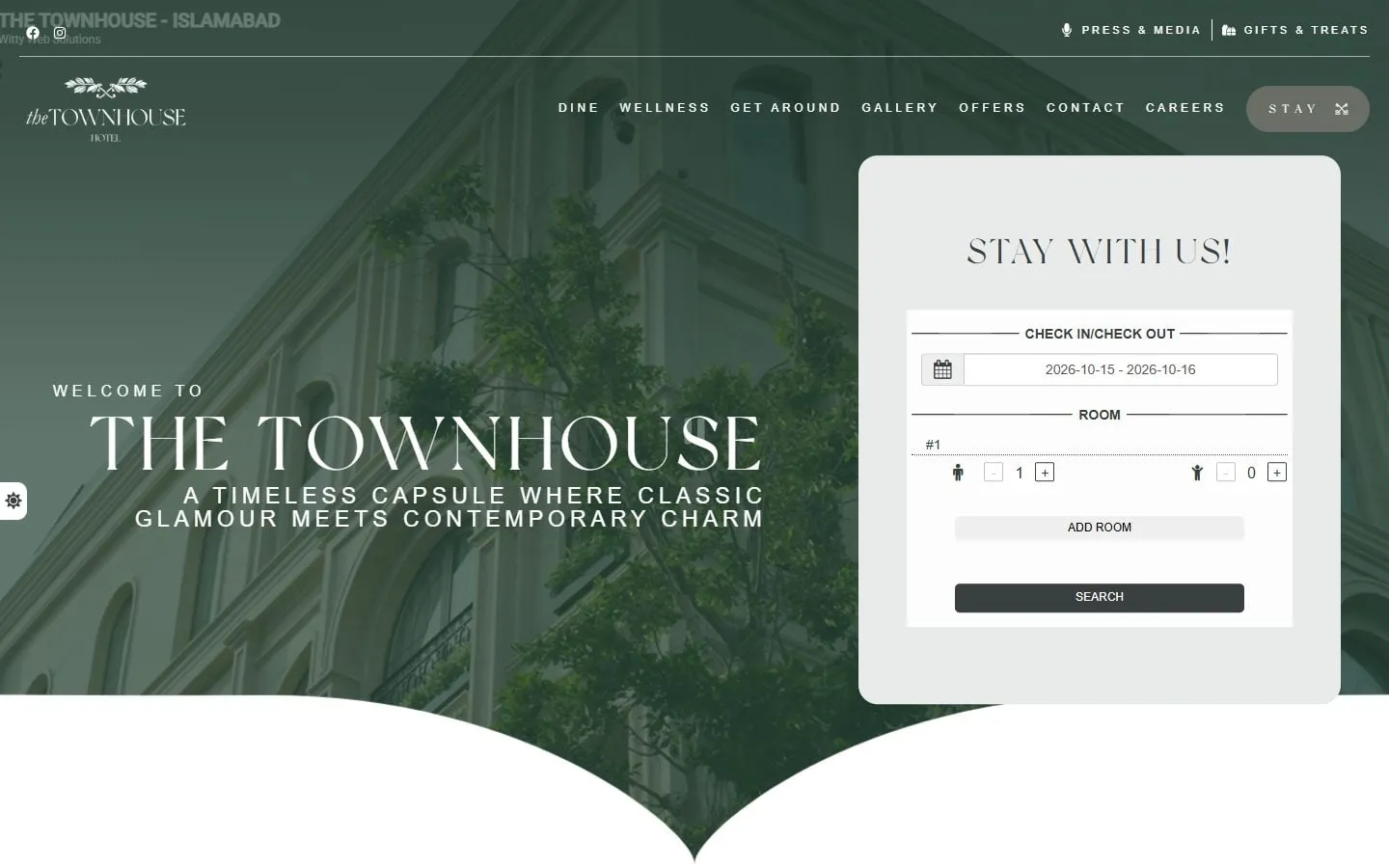
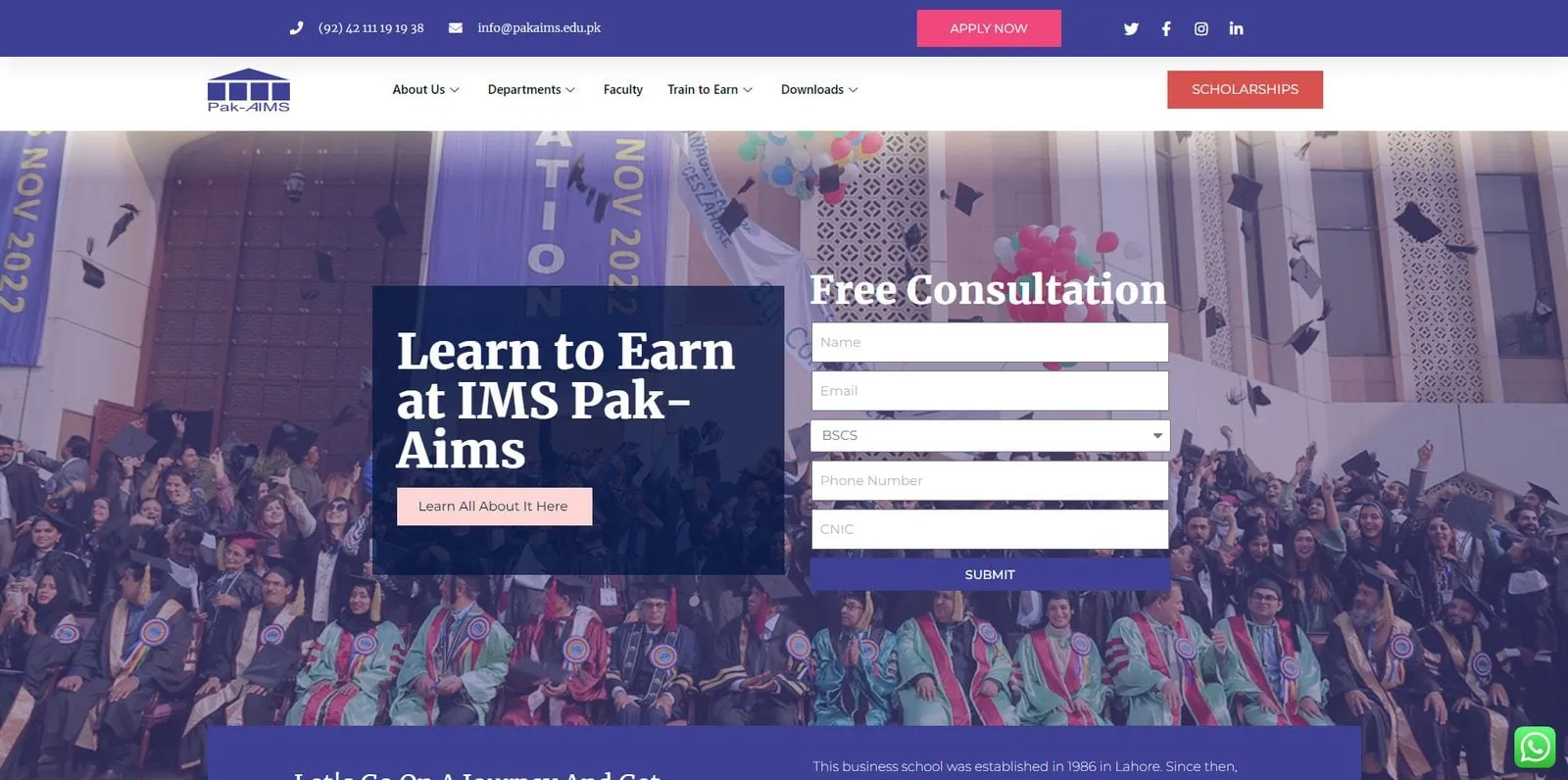
Every project here is live and still carries our credit in the footer. Hospitality, retail, education and professional services — in the UK, the UAE and Pakistan.
Capabilities
Choose a group, then pick an element to see what we use it for. Technology serves the experience — never the other way round.
We learn how your business makes money, who your customers are and what is getting in the way. Audits of your site, analytics and competitors happen here.
You get Findings and a recommended scope
We agree goals, measures of success, priorities and budget, then turn them into a plan with dates and owners on both sides.
You get Proposal, sitemap or system map, timeline
Structure first, then visual direction, then full designs — reviewed in the browser on real devices, not in static slides alone.
You get Approved designs and prototype
Engineering in short cycles with working previews. Performance, accessibility, SEO and security are built in, not bolted on.
You get Staging site or app builds
Content checks, redirects, analytics, Search Console and a launch-day plan. Your team is trained before we hand over.
You get Live product and documentation
We measure what happens after launch and keep improving — through SEO, campaigns, automation or new features.
You get Monthly report and next steps
What you can hold us to
We don’t publish vanity numbers or borrowed testimonials. We agree the measures with you, build to them, and show you the data.
We decide together how success will be measured before work starts — enquiries, conversion, speed, time saved — and report against it honestly.
Every AI system we build has clear limits, an audit trail and human approval wherever a mistake would matter.
Code, content, designs and accounts are yours. No lock-in, and documentation so anyone can pick it up.
Search and answer-engine foundations — structure, speed, schema, content — are part of every build.
Motion and visuals are tuned to Core Web Vitals. If an effect slows the page, it does not ship.
We design and test against WCAG 2.2 AA so everyone can use what we build.
Insights
Where you need to be visible
Websites
A redesign that only changes how a site looks rarely changes results. These are the problems worth solving before anyone opens a design tool.
SEO & AEO
Answer engine optimisation builds on SEO rather than replacing it. Here is what actually changes, what stays the same, and where to start.
AI & automation
A practical way to decide which tasks to automate with AI first, which to leave alone, and how to keep people in control.
Tell us what you’re trying to achieve. We’ll come back with honest advice, a recommended approach and next steps — whether or not we’re the right fit.